

NVIDIA Just Slapped a 1.9x Speed Boost On Your Existing GPU — And You Don’t Need New Hardware To Claim It
Here is the single most generous thing NVIDIA has done for local AI in a long time, and almost nobody is talking about it the way they should: at IFA 2026 the company optimized the exact open-source engines you already run, and handed you speed you do not have to buy your way into. No new GPU. No new chassis. No “buy the shiny thing” tax. Just a free performance bump on the card sitting under your desk right now.
If you have ever loaded a local model, watched the tokens trickle out at a frankly insulting pace, and quietly considered a monthly cloud subscription, this is the moment that problem starts getting solved. Let me walk you through exactly what NVIDIA announced on September 3, 2026, why the open-source angle matters far more than the headline number, and how to actually claim the speed today — whether you live in a terminal or have never opened one.
What NVIDIA Actually Announced (The Numbers, Plain)
Strip the marketing varnish off the NVIDIA blog post titled “Sparks Fly: NVIDIA Accelerates Local AI at IFA 2026,” and the substance is surprisingly concrete. NVIDIA says it kept collaborating with the open-source llama.cpp and vLLM communities, and it measured the results on a coding-throughput workload — SpeedBench-Coding 8K Throughput, using a tool called AIPerf. The headline figures are:
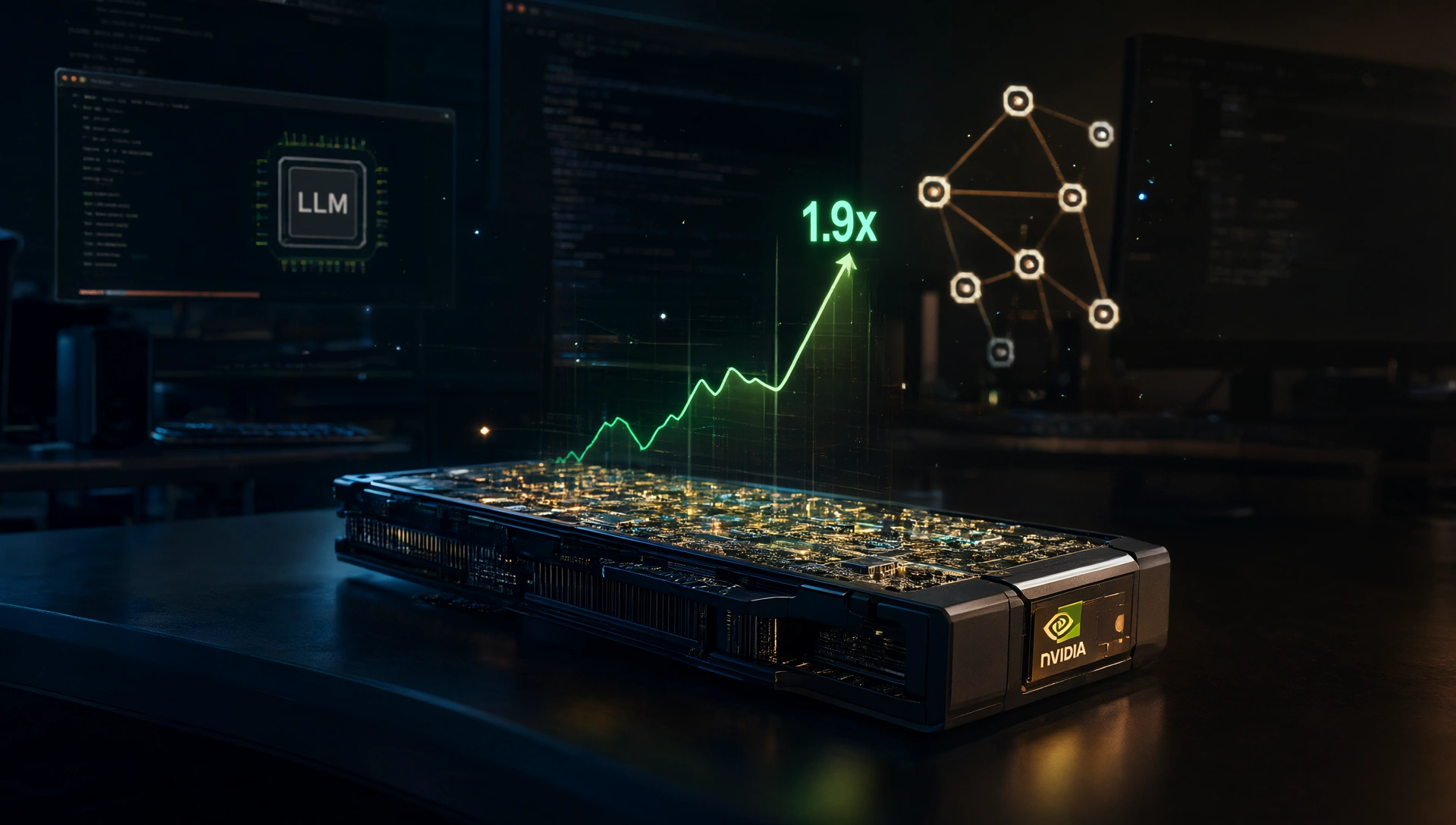
- llama.cpp on a GeForce RTX 5090 now delivers up to 1.9x higher throughput, NVIDIA says, driven by kernel optimizations plus enhanced speculative decoding and faster prefill.
- On that same RTX 5090, that translates to up to a 50% boost in tokens-per-second on Qwen3.6-27B, and a 90% acceleration on Qwen3.6-35B, according to the benchmark breakdown NVIDIA shared.
- vLLM picks up 1.2x on the RTX PRO 6000 Blackwell Workstation Edition and up to 1.4x across two DGX Spark clusters. New XQA attention kernels in FlashInfer, plus backend optimizations, are doing the heavy lifting on the vLLM side.
- DGX Spark platforms see a 1.4x increase on Qwen3.6-27B in vLLM and a 20% boost in inference on DeepSeek v4 Flash, via the same speculative-decoding and faster-prefill work.
That last detail — speculative decoding and faster prefill — is the technical heart of it. Speculative decoding lets the model draft several candidate tokens with a smaller assistant model and verify them in parallel, so you get more tokens per second without waiting for each one to be generated one at a time. Faster prefill means the model gets through the beginning of a long prompt quicker instead of grinding through your entire context window token by token. Both are pure software wins. Nothing physical changed in your rig.
Here is the part that actually makes this announcement different from the usual “new card is faster” fare, and it is worth pausing on: NVIDIA did not lock any of this behind a proprietary runtime. It optimized the open-source engines themselves.
Why The Open-Source Pivot Is the Real Story
For years, NVIDIA’s local-AI story ran through a closed, NVIDIA-only path. Its flagship local inference stack was TensorRT-LLM, a high-performance but proprietary beast that demanded a lot of setup discipline and tied you tightly to NVIDIA’s own toolchain. That is fine if you are a data center. It is a pain if you are a hobbyist who just wants to chat with a model on their weekend.
At IFA 2026, NVIDIA made a deliberate choice to bet on the open-source backbone instead. The optimizations landed upstream in llama.cpp and vLLM — the two engines that power the vast majority of local AI deployments. And critically, NVIDIA confirmed these gains are “available now directly and through the LM Studio and Ollama applications.”
Read that twice, because it is the whole trick. Ollama and LM Studio both sit on top of llama.cpp under the hood in large part. That means the performance NVIDIA engineered flows down to the consumer apps you already love automatically — there is no separate NVIDIA SDK to install, no parallel codepath to maintain, no “download the NVIDIA-flavored version” detour. The gains live in the public repositories, which makes them reproducible by outside developers and inherited for free by the tens of millions of people running wrapper apps.
Think about what quietly just changed. A company whose earliest local-AI push leaned on a closed demo is now treating open-source inference as the backbone of its strategy. That is not a small wince toward the community; it is a full turn. And it means the fastest path to local speed is no longer “buy better hardware” but “update your software.”
How To Actually Get The Speed (The Tutorial)
Okay, enough context. Here is the practical part: how you turn that 1.9x into your own reality. The beautiful thing is that most people are already 90 percent of the way there — you mostly just need to update. The exact command depends on how you installed your stack, so here is the shape of each path.
If you run Ollama. Ollama bundles llama.cpp under the hood, so the NVIDIA optimizations reach you the moment you pull the latest release. Update through the Ollama app’s own update prompt, or reinstall the newest version from their site. Once updated, point it at a model that benefits from the tuning — Qwen3.6-27B or the larger 35B variant — and you should see the throughput jump. If your generation still feels sluggish, make sure your NVIDIA drivers are current; stale CUDA drivers are the single most common reason GPU acceleration quietly fails to engage. A quick `nvidia-smi` check while a model runs will tell you whether the GPU is actually doing work.
If you run LM Studio. LM Studio also sits on llama.cpp, so this is even less effort: open the app and let it update through its built-in prompt. No terminal required. After the update, load a model and watch the token speed. The whole point of LM Studio is removing friction, and this announcement is basically a gift to that philosophy.
If you run vLLM directly. This is for the power users serving models over an OpenAI-compatible API. Pull the latest release with your normal package manager command — `pip install -u vllm` for a Python environment — and make sure you are on a build new enough to include the XQA attention kernels in FlashInfer. The exact version number that landed the optimizations is the kind of detail that shifts week to week, so glance at the vLLM release notes before you commit. Then spin up your server as usual and benchmark. On NVIDIA hardware with enough VRAM, the vLLM gains stack up nicely, especially under concurrent load.
If you build llama.cpp from source. You already live in the deep end, so this is just a normal workflow: pull the latest code from the repository and rebuild against your current toolkit. The optimizations ship in main, so a fresh build picks them up automatically.
A few things worth flagging while we are here:
- The biggest headline number is an RTX 5090 figure. The “up to 1.9x” is measured on NVIDIA’s flagship consumer card through llama.cpp. Older or lower-tier cards will still benefit from the same upstream work, but the magnitude of the gain scales with the hardware. Be honest with yourself about what your card can do.
- 24GB of VRAM is emerging as the sweet spot. NVIDIA’s simplified local-AI tooling this year targets GPUs with 24GB or more — a bar as far back as the RTX 3090 clears. That is the tier where the fastest-supported path opens up, so if you are choosing a used card for local AI, treat 24GB as the new realistic floor rather than the 12GB-to-16GB range that was the common advice last year.
- Verify before you trust. Because these are NVIDIA’s own measurements on a specific coding benchmark, the responsible move is to benchmark your own setup with your own model and workload. The relative improvement should show up; the exact multiplier is yours to discover.
The One-Click Path: If You’d Rather Never Touch a Terminal
Not everyone wants to hand-tune quantization settings and babysit an inference server. For most of you, the real win this year is not the raw speed number at all — it is that setting up a genuinely capable local agent just got dramatically simpler. NVIDIA highlighted three agent apps getting one-click local setup, all built on llama.cpp with NVIDIA’s optimizations baked in from the start.
- Hermes Agent, from Nous Research, is the general-purpose agent used by millions, built to run all day on local systems. One-click setup is available now on Windows: it auto-detects your NVIDIA GPU, picks an appropriate model and configuration, and runs it through integrated llama.cpp with the optimizations already applied. No manual model downloads, no fiddling with quant flags. Linux support is coming soon.
- OpenClaw has become one of the defining projects of the open-agent movement — billed as the largest AI project on GitHub, with more than 380K stars. NVIDIA, Microsoft, and OpenClaw teamed up on an OpenClaw Windows App that simplifies setting up an optimized local model on any RTX GPU with at least 24GB of VRAM. If you value the open-agent ecosystem, this is the easiest on-ramp yet.
- Perplexity Portable Computer lets you run Perplexity entirely on your device, starting on RTX GPUs with 24GB+ VRAM on Linux, with Windows support arriving this September. The clever bit is the escalation model: it runs complete workflows locally without burning credits, but will ask permission before selectively offloading part of a task to one of 15+ frontier models in the cloud. Your sensitive data stays on the machine unless you explicitly opt to send it anywhere.
The throughline is friction reduction. Every one of these does the boring, error-prone parts for you — model selection, quantization, server setup, optimization flags — and just makes it work. If you have been intimidated by local AI, this is the generation where that stops being an excuse.
Pool Your Idle PCs With NVIDIA PAIR
Here is a move most people will completely overlook, and it is one of the most clever things in the whole announcement. More than half of U.S. households have two or more PCs, and a huge chunk of that compute sits doing nothing all day while your main machine juggles gaming, video calls, and everything else.
NVIDIA PAIR — the Personal AI Router — is a free, open-source tool that turns those idle machines into a distributed inference cluster. Agentic workflows naturally break big tasks into smaller jobs that can run in parallel, but everyone races their requests through a single GPU and wonders why things slow down. PAIR instead auto-discovers compatible PCs on your local network and routes independent inference requests to whichever system has capacity. It works with Ollama and LM Studio, and it adapts as devices join or leave.
Concretely: you could ask your agent to plan a Sunday Reset — sorting a cluttered inbox, deciding what matters now, what can wait, and what to skip — and that work splits across several subagents while PAIR distributes the subtasks across your available PCs instead of making them all queue on one GPU. More parallel compute, more tasks moving at once, and your main rig stays free for gaming or whatever while the background machines quietly do the work.
The PAIR beta is available for Windows, macOS, and Linux through both graphical and terminal interfaces. Compatibility is broad: GeForce RTX 20 Series and newer, RTX PRO workstation GPUs (Turing architecture and newer), DGX Spark, and Apple M4 or newer silicon. So that old laptop gathering dust in the corner, or a second desktop you barely use, just became part of your AI stack.
What It All Means: The 24GB Floor and the Death of “I Can’t Afford It”
Step back from the commands and the benchmarks, and two bigger trends come into focus.
The first is that 24GB of VRAM is quietly becoming the new baseline for NVIDIA’s fastest local path. Not 12GB. Not 16GB. A year ago the common recommendation for affordable local inference sat comfortably in the 12-to-16GB range. Now NVIDIA is pointing at 24GB as the tier where the optimized, well-supported experience truly opens up — and conveniently, that is exactly what cards like the used RTX 3090 and the RTX 4090 already offer. The hardware that was “too much to spend” last year is now the sweet spot. The secondary market just got a lot more interesting.
The second trend is the strategic one. NVIDIA is making the PC under your desk a credible substitute for a monthly AI subscription. The math is seductive: if your existing 24GB card can run capable local agents — faster than before, with one-click setup and the option to escalate to frontier models only when you choose — then the recurring fee you were paying for cloud inference starts looking less like an unavoidable cost and more like a choice. Combine that with PAIR spreading work across multiple machines, and the effective compute you can pull from hardware you already own grows even more.
This is also why the open-source bet matters so much long-term. When gains live in public repositories, they are reproducible, auditable, and inherited automatically by every wrapper app on the planet. There is no walled garden to climb, no vendor to negotiate with, no version lock-in. NVIDIA’s own speed leadership is now, paradoxically, riding on the health of projects it does not control. That is a genuine shift in how a hardware company relates to the software ecosystem around it.
The Bottom Line
NVIDIA’s IFA 2026 local-AI update is one of those announcements that looks small until you realize what it implies: the fastest way to better local AI is no longer to open your wallet for new hardware, but to update the software you already have. Up to 1.9x faster inference through llama.cpp, real gains through vLLM, and — thanks to the open-source pivot — all of it flowing down to Ollama and LM Studio for free. Add one-click agent setup through Hermes, OpenClaw, and Perplexity, toss in PAIR to pool your idle PCs, and the case for “I can’t afford local AI” collapses almost entirely.
The honest caveat is that the showy 1.9x number is an RTX 5090 figure on a specific coding benchmark, so go measure your own card and set your own expectations. But the direction is unmistakable, and it points squarely at the hardware you already own.
So here is the question I want to leave you with: now that NVIDIA just handed you more speed for free on a GPU you already bought, are you going to keep paying for a cloud subscription you no longer need, or are you finally going to update, launch a model, and see what your machine can actually do?